How do I make every website dark in Chrome?
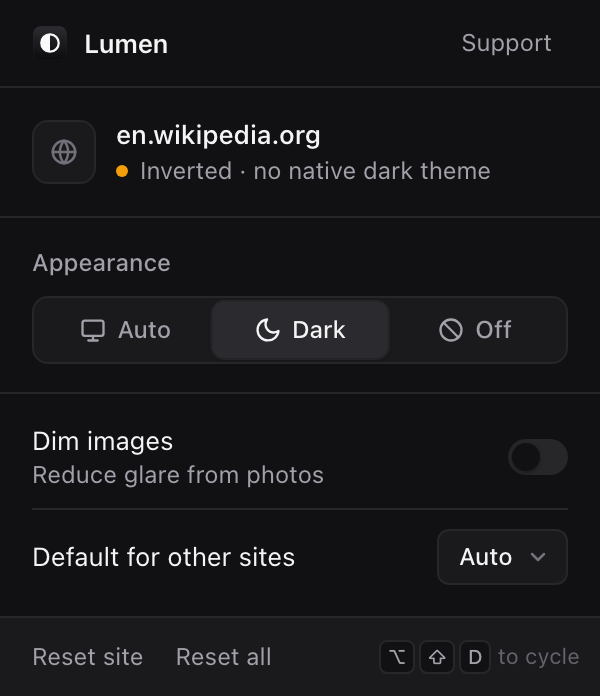
Install Lumen. It first switches the site to its own dark theme, including themes that are only defined in the site's CSS. If the site has none, Lumen inverts the page and puts photos and video back to their real colors, so text keeps the contrast it had in light mode. You can set Auto, Dark or Off per site.
How do I stop videos from autoplaying with sound in Chrome?
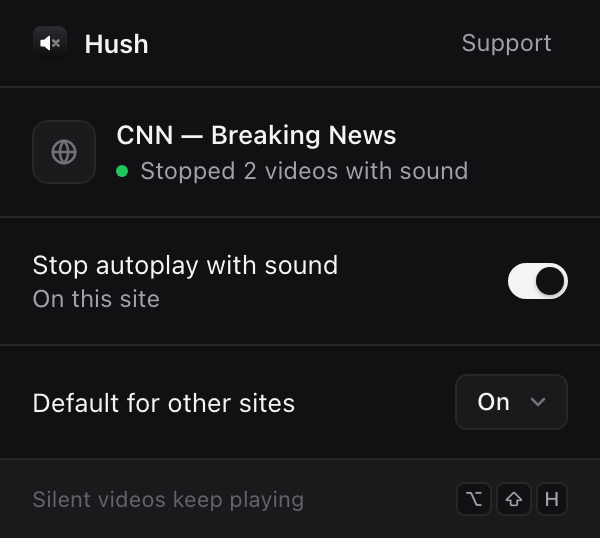
Install Hush. It stops videos and audio that start playing with sound on their own, on every site. Muted background videos keep playing, anything you start with a click or key plays, and a page's playlist continues after you start it.
How do I stop movies being too quiet in dialog and too loud in action scenes?
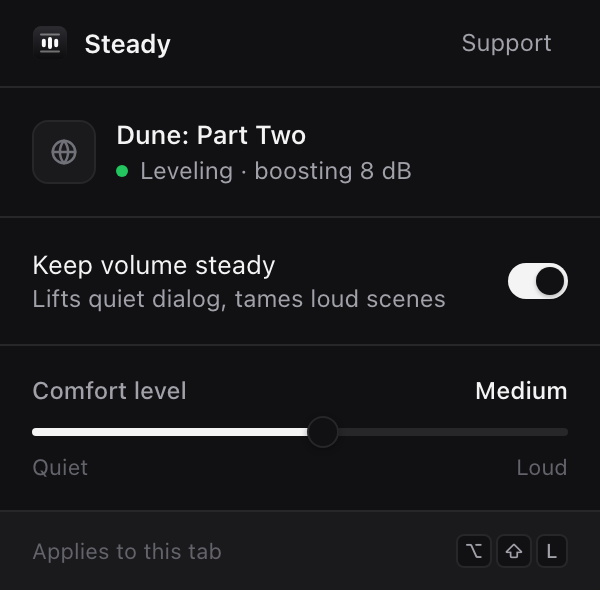
Install Steady and turn it on for the tab. It lifts quiet dialog and turns loud scenes down automatically, keeping the volume in a comfort range you set with one slider. On a test scene it reduced a 34 dB swing to about 2 dB.
Can Chrome scroll a page automatically?
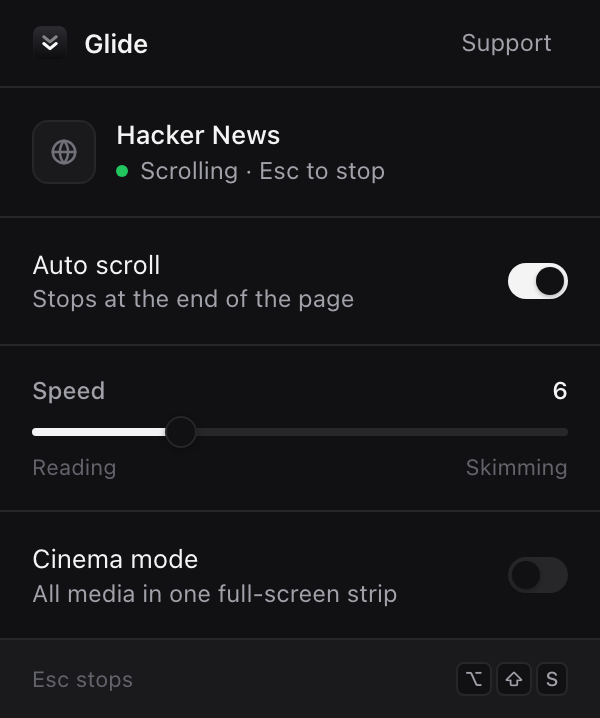
Yes, with Glide. It scrolls at a steady reading speed from 10 to 900 pixels per second, including inside web apps like Gmail and Notion, and waits for infinite feeds to load more before stopping. Press Esc to stop.
How do I play white noise or rain sounds in Chrome for focus?
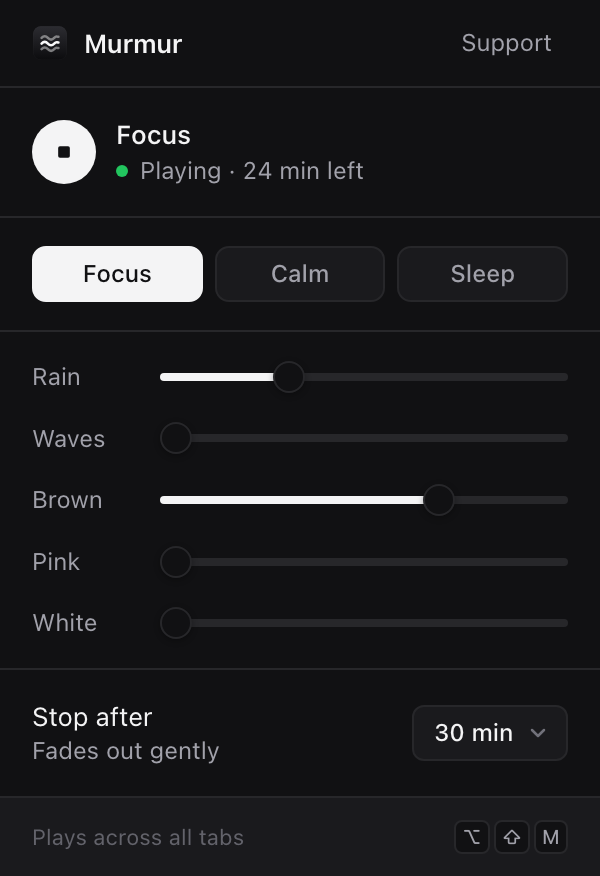
Install Murmur. It plays rain, ocean waves and brown, pink or white noise, generated in your browser with nothing to download. Mix them with a slider each, or pick the Focus, Calm or Sleep preset, and set a timer that fades out gently. It keeps playing with the popup closed.
Do these extensions work on Netflix?
Steady does: it works on the tab's audio, so it also levels protected players like Netflix. Lumen leaves Netflix alone because it's already dark, and Hush lets anything you start play.
Do Ease extensions collect any data?
No. There are no accounts, analytics or servers. Settings are stored in your Chrome profile, and Steady never records or sends audio.
Are the Ease extensions free?
Yes. All five are free, with no ads. If they help you, you can support the work with a coffee.